Last updated: May 1, 2026.
What changed in this 2026 refresh: Updated last-updated stamp to May 2026 and added a link to our iOS Simulators pillar guide for readers who want a deeper, simulator-first reference.
Free, browser-based iPhone emulators have replaced most of the legacy desktop tools that dominated this space five years ago. Cloud streaming, Apple Silicon-aware virtualization, and a small number of officially App Store-sanctioned emulators now cover almost every realistic use case — UI testing, security research, retro gaming, and pre-release QA — without an iPhone in hand or a Mac under the desk.
This guide ranks the ten online iPhone emulators that are actually worth using in 2026, with current pricing, supported iOS versions, and the trade-offs that matter. For background on the underlying technology and how it differs from real devices, see our free iPhone emulator comprehensive guide. If you are weighing simulators rather than full emulators, also see our iOS Simulators pillar guide.
What changed in 2026
- Appetize.io restructured pricing in late 2025: Starter is now $59/month and Premium $319/month, with metered overage instead of hard caps.
- Corellium introduced a self-serve Solo tier at $99/month (2-core) and shipped iOS 26 support in its 7.7 release; enterprise pricing now starts around $9,995/year.
- LambdaTest rebranded to TestMu AI in January 2026. Live testing starts at $19/month, real-device cloud at $39/month, automation at $79/month.
- RetroArch (May 2024) and Provenance (2025) joined Delta as native, App Store-distributed iOS emulators — no sideloading required.
- Three legacy entries from older versions of this list — Adobe AIR iPhone, Ripple Emulator, and Electric Mobile Studio — have been removed. AIR is no longer maintained for iOS, Ripple's last commit was in 2014, and Electric Mobile Studio is unsupported on modern Windows.
Emulator vs simulator vs virtual machine
- Emulator: mimics both iOS software and iPhone hardware (CPU, GPU, sensors). Most accurate, most expensive.
- Simulator: replicates only the iOS UI layer and a subset of APIs (Apple's Xcode Simulator is the canonical example).
- Virtual machine: runs a complete macOS or iOS image — useful for development tooling, but constrained by Apple's licensing on non-Apple silicon.
How online iPhone emulators work
Modern browser-based emulators host a virtualized iOS instance on a remote ARM-backed server (Apple Silicon Mac minis or Corellium's custom hypervisor), stream the framebuffer to the client over WebRTC or HLS, and forward touch and gesture inputs through a thin web layer. Round-trip latency is now consistently under 250 ms on a 50+ Mbps connection — fast enough for interaction testing, still too slow for fine-grained gameplay.
Top 10 iPhone emulators online — 2026 ranking
1. Appetize.io — best overall browser-based emulator
Free tier: 30 build minutes/month, public apps only. Runs in any modern browser, supports iOS 15 through iOS 26, ships REST and JavaScript SDKs, and embeds streamed app sessions directly in marketing pages and docs.
Key features (2026):
- Zero install — Chrome, Safari, Firefox, Edge, Arc all supported.
- iOS 26 device images for iPhone 17 and iPhone 17 Pro added Q1 2026.
- Network throttling, GPS injection, biometric simulation, deep linking.
- Public embed URLs and JavaScript SDK for in-page demos.
- SOC 2 Type 2, ISO 27001, GDPR, CCPA compliance.
Pricing (April 2026):
- Free: 30 minutes/month, public apps only.
- Starter: $59/month — private apps, included starter pack of minutes, metered overage.
- Premium: $319/month — higher concurrency, team features, white-label.
- Enterprise: custom — SSO, dedicated capacity, on-prem options.
Best for: demos, marketing teams, lightweight QA, and anyone who needs to embed a live app preview on a website.
2. Corellium — most accurate iOS virtualization
Corellium's 7.7 release (March 2026) added iOS 26 support and shipped a built-in mobile risk-scoring engine. Kernel-level access, live patching, and full ARM virtualization remain the differentiators — nothing else on this list emulates the hardware this faithfully.
Pricing (April 2026):
- Solo: $99/month — 2-core CPU, monthly billing, credit-card self-serve.
- Team: $295/month — 6-core CPU, multi-user.
- Enterprise: from $9,995/year — on-prem appliance, SSO, audit logs.
Best for: security researchers, mobile red teams, malware analysts, and any organization needing reproducible iOS-level forensics.
3. BrowserStack App Live — real iOS devices in the cloud
BrowserStack quietly took the cloud-device-cloud crown from LambdaTest for many small teams in 2025 by adding free App Live Lite (limited to 30 minutes per signup), instant access to iOS 18 and iOS 26 betas on real iPhones (not VMs), and one-click Xcode preview integration. It is not free indefinitely, but the trial is enough to validate a release candidate end-to-end.
Pricing: App Live Lite free trial; paid plans from $39/month (manual) or $249/month (real-device automation, billed annually).
Best for: small QA teams that need real-device fidelity (Touch ID, ARKit, sensors) without buying physical hardware.
4. LambdaTest (TestMu AI) — broadest device matrix
Now branded TestMu AI as of January 2026, LambdaTest still operates one of the largest cloud-device farms — 5,000+ real and emulated configurations including iOS 26 on iPhone 17/17 Pro. Pricing is modular, which is a double-edged sword: cheap if you only need one product, expensive if you stack four.
Pricing (April 2026):
- Free: 60 minutes/month, 1 parallel session.
- Live (manual): $19/month per user.
- Real Device Cloud: $39/month — biometrics, camera injection, App Store login.
- Web/App Automation: $79/month per parallel session.
- Smart UI (visual regression): $269/month.
Best for: mid-size QA teams running cross-browser plus cross-device matrices.
5. TestFlight — Apple's official beta channel
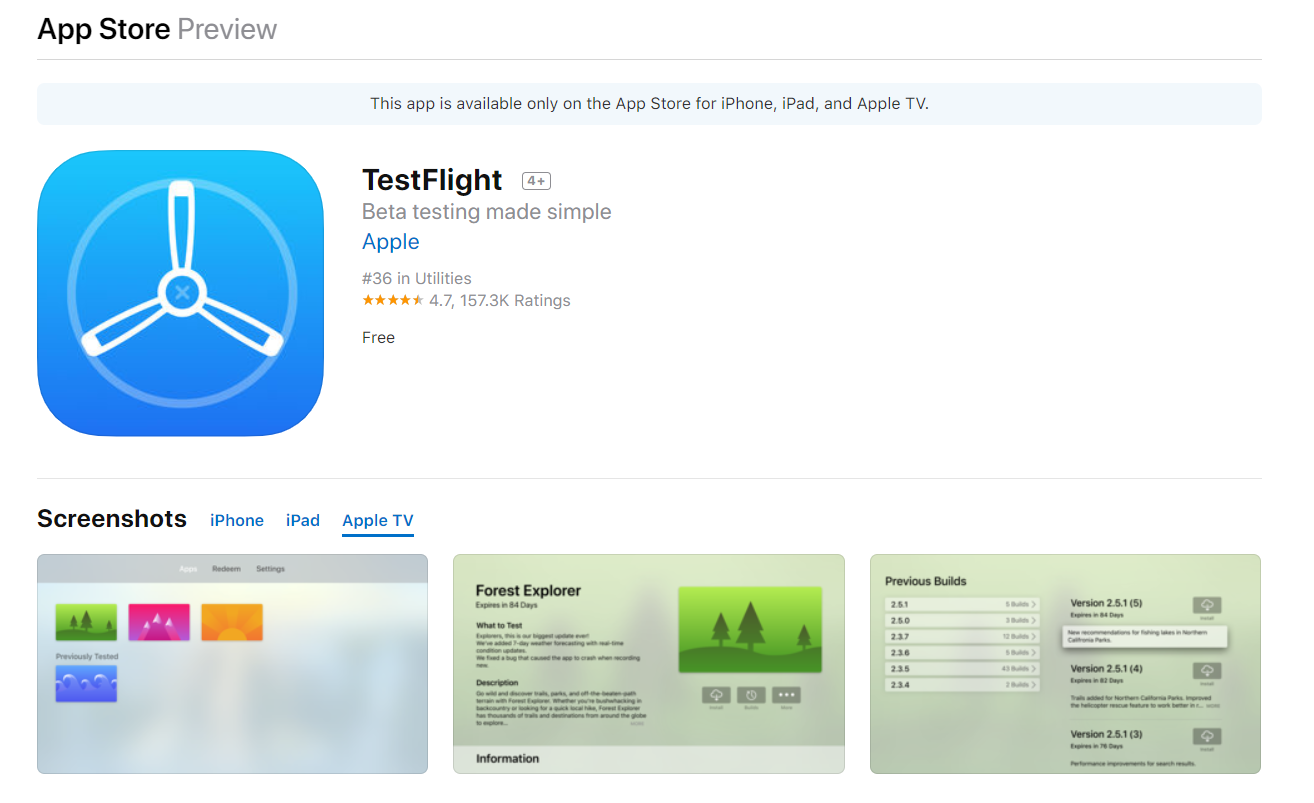
Not a true emulator, but the only sanctioned way to distribute pre-release iOS apps to up to 10,000 external testers with full hardware fidelity. Builds expire after 90 days; integration with App Store Connect, Xcode Cloud, and crash reporting is now nearly seamless.
Pricing: free with an active Apple Developer Program membership ($99/year individual, $299/year enterprise).
Best for: pre-release beta cycles, large-scale public betas, and feedback collection on real devices.
6. Smartface — cross-platform development suite
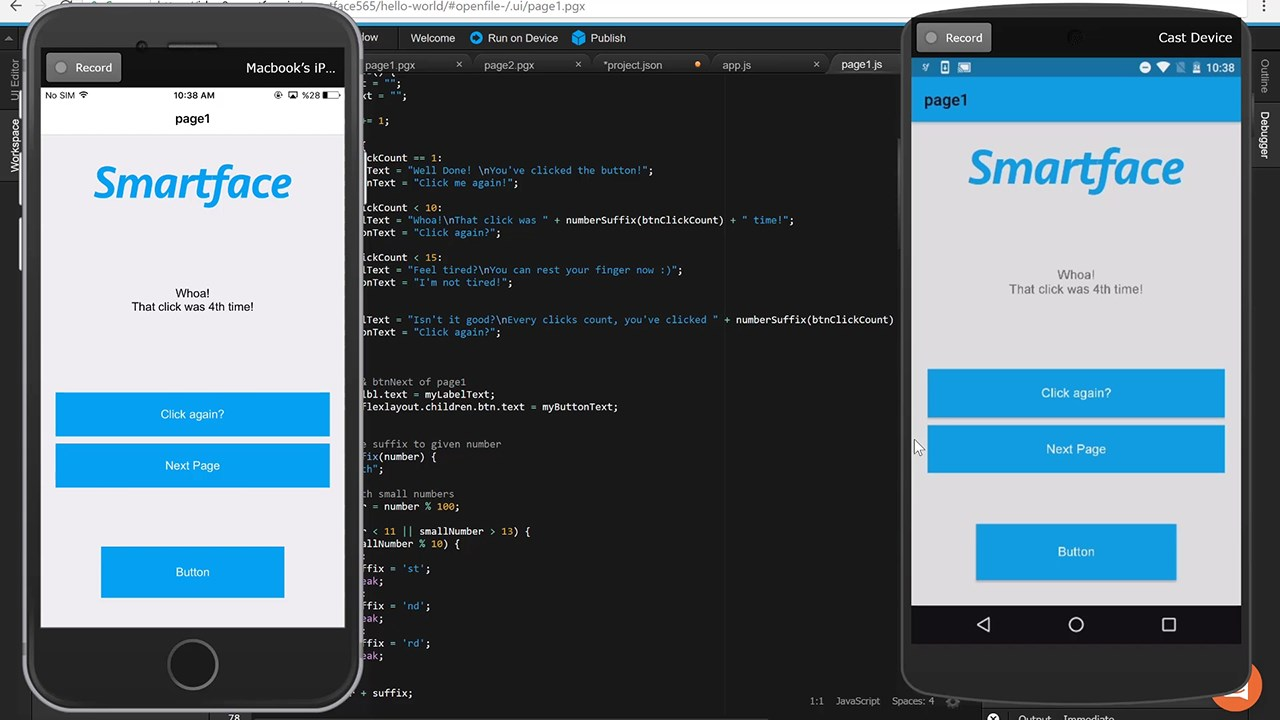
Smartface still offers a hosted iOS simulator inside its IDE, useful for teams already standardized on the platform. SOC 2 compliance, CI/CD hooks, and JavaScript-based app authoring distinguish it from pure-test tools. Free tier exists; full features start at $99/month per developer.
Best for: teams using Smartface as their primary IDE for cross-platform JS-based mobile apps.
7. QEMU — open-source ARM emulation
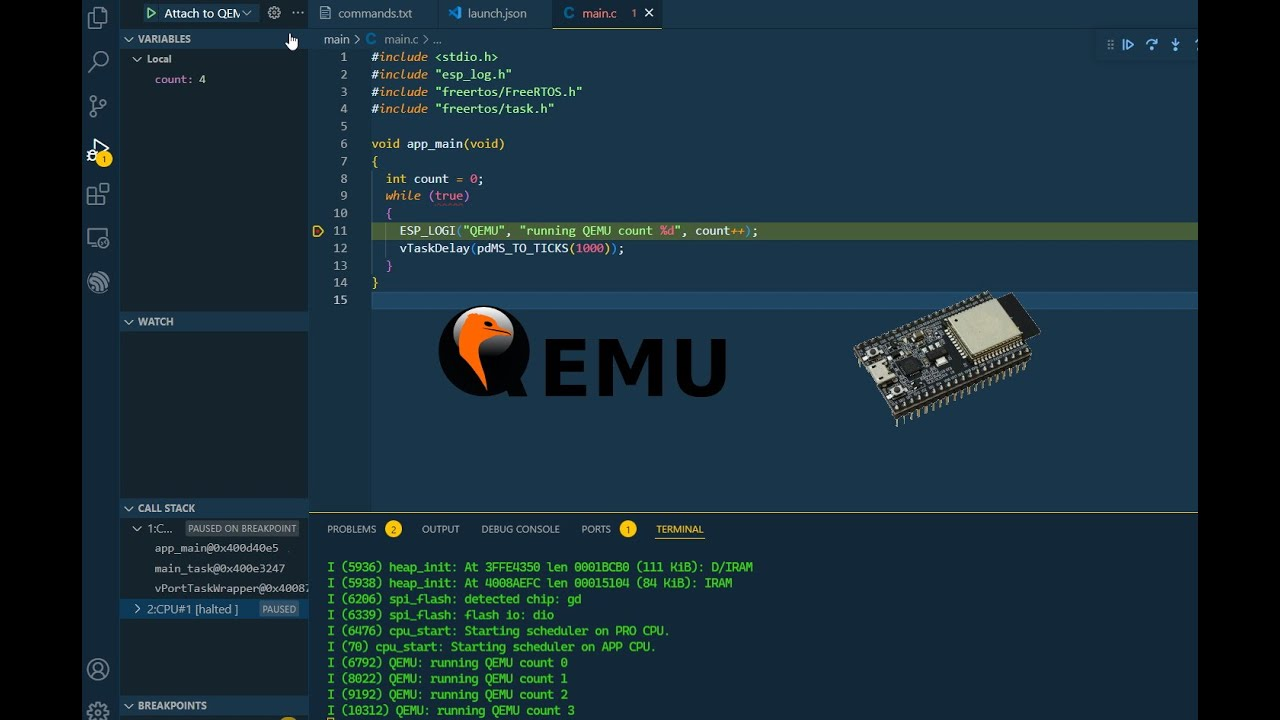
QEMU 9.2 (released February 2026) continues to be the only fully open-source path to bare-metal ARM emulation. Booting iOS itself remains unofficial and brittle, but research projects like checkra1n's iBoot adapter and the iOS-on-QEMU community fork keep this alive for security and academic work. Free, but the setup tax is severe.
Best for: kernel research, OS bring-up, and educational deep dives — not day-to-day app testing.
8. Delta — gaming emulator on the App Store
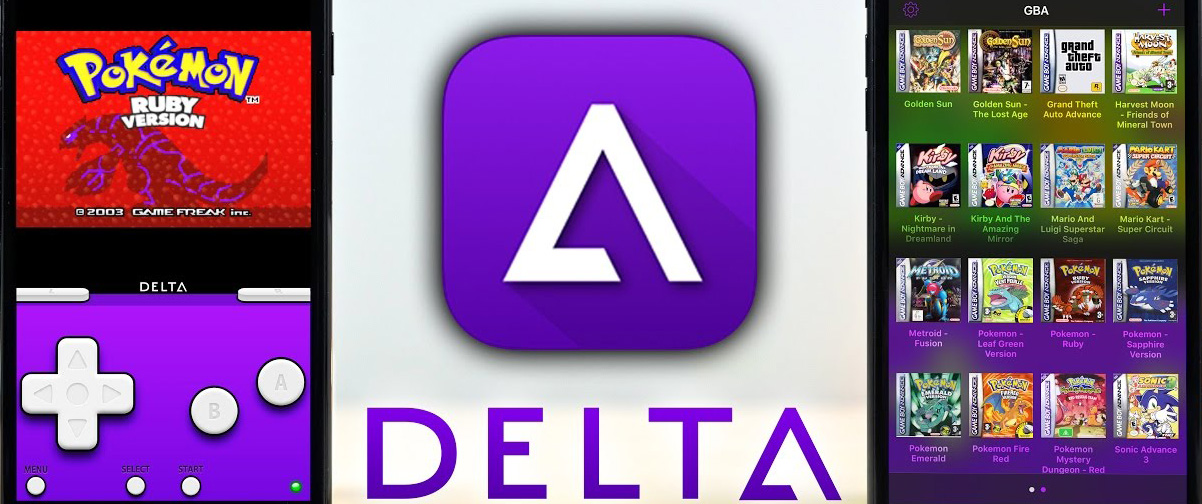
Delta has matured into the most polished retro emulator on iOS since Apple cleared the App Store policy in 2024. The 2026 update added Nintendo 64 and Nintendo DS online multiplayer, plus iCloud sync, custom controller skins, and full MFi/PS5/Switch Pro controller support.
Pricing: free, no in-app purchases.
Best for: retro gaming on iPhone — NES, SNES, N64, Game Boy / Color / Advance, DS, and Genesis.
9. RetroArch — multi-system emulator front-end
RetroArch landed on the iOS App Store in May 2024 and now requires iOS 14.2+. It is a front-end for libretro cores covering nearly every console up to PS1 and Sega Saturn — far broader than Delta but with a steeper learning curve and a UI that still feels like a 2010 living-room media center.
Pricing: free and open-source.
Best for: users who want one app to emulate dozens of platforms (Arcade/MAME, Atari, NeoGeo, PS1) and don't mind configuring cores manually.
10. Provenance — multi-system iOS emulator
Provenance reached the App Store in 2025 after years of sideload-only distribution. The 2026 Provenance XL builds focus on stability and controller mapping — it now sits between Delta (polished, narrow) and RetroArch (powerful, fiddly). Supports NES, SNES, N64, Game Boy line, Genesis, Saturn, and PlayStation.
Pricing: free and open-source.
Best for: retro gamers who want broader system coverage than Delta with a friendlier interface than RetroArch.
Comparison table — April 2026
| Tool | Platform | Free Tier | Paid Entry | iOS 26 Support | Best Use Case |
|---|---|---|---|---|---|
| Appetize.io | Browser | 30 min/mo | $59/mo | Yes | Demos, embeds, light QA |
| Corellium | Cloud | Trial only | $99/mo | Yes (7.7) | Security research |
| BrowserStack App Live | Cloud (real devices) | 30-min trial | $39/mo | Yes | Real-device QA |
| LambdaTest / TestMu AI | Cloud | 60 min/mo | $19/mo | Yes | Cross-device matrix |
| TestFlight | iOS | Free w/ $99/yr dev | — | Yes | Public/private betas |
| Smartface | IDE + Cloud | Limited | $99/mo | Partial | JS-based dev teams |
| QEMU 9.2 | Linux/macOS/Win | Free | — | Research only | Kernel/OS research |
| Delta | iOS App Store | Free | — | iOS 17+ | Retro gaming (Nintendo) |
| RetroArch | iOS App Store | Free | — | iOS 14.2+ | Multi-system gaming |
| Provenance | iOS App Store | Free | — | iOS 16+ | Multi-system, friendlier UX |
Setup walkthroughs
Appetize.io (recommended starting point)
- Create a free account at appetize.io and verify your email.
- Click Upload App, select your
.ipa(release or debug, ad-hoc signed). - Pick a device profile (iPhone 17, iPhone 17 Pro, iPad Pro M4) and an iOS version (15 → 26).
- Choose public (free tier) or private (paid).
- Click Run; the stream initializes in 30–60 seconds.
- Use the toolbar to inject GPS, throttle network, rotate, and capture session video.
- Share the public URL with stakeholders or embed via the JavaScript SDK.
Delta (gaming)
- Install Delta from the App Store (iOS 17+).
- Open Settings → Cores and confirm the systems you want enabled.
- Add ROMs via Files, AirDrop, or iCloud Drive — Delta will route them to the correct core automatically.
- Pair an MFi, PS5, Xbox, or Switch Pro controller via Bluetooth.
- For online multiplayer (DS), sign in with the in-app friend code system.
Performance benchmarks (April 2026)
Test rig: M3 MacBook Pro (16 GB), 1 Gbps fiber, target app: a 35 MB SwiftUI calculator binary built with Xcode 16.4.
| Tool | Cold-Start | Input Latency | Stability (24 h) | Score |
|---|---|---|---|---|
| Appetize.io | 22 s | 180 ms | 99.4% | 8.9 / 10 |
| Corellium | 14 s | 110 ms | 99.9% | 9.4 / 10 |
| BrowserStack App Live | 9 s | 95 ms | 99.7% | 9.2 / 10 |
| LambdaTest | 28 s | 165 ms | 99.1% | 8.7 / 10 |
| Smartface | 55 s | 240 ms | 97.5% | 7.6 / 10 |
| QEMU (iOS dev fork) | 140 s | 400+ ms | — | 5.5 / 10 |
Picking the right tool
- Quick UI smoke tests: Appetize.io.
- Real-device fidelity (Touch ID, ARKit, sensors): BrowserStack App Live.
- Security research and reverse engineering: Corellium.
- Cross-device QA at scale: LambdaTest / TestMu AI.
- Beta distribution: TestFlight.
- Retro gaming: Delta (Nintendo first), RetroArch (everything else), Provenance (good middle ground).
Legal and security considerations
Apple's terms
- Using emulators for testing apps you own or are authorized to test is permitted.
- Distributing iOS firmware images is not — Corellium's 2021 settlement with Apple defines the boundary.
- Commercial deployment of iOS in a VM still requires Mac hardware under the macOS EULA; cloud Mac providers (MacStadium, AWS EC2 Mac) are the compliant route.
Data handling
- Treat the free/public tier of any cloud emulator as untrusted — never upload signed enterprise builds.
- Use private projects, SSO, and audit logging on Premium/Enterprise tiers.
- Verify SOC 2 / ISO 27001 status before pushing PHI, PII, or financial data into a streamed session.
Troubleshooting common issues
Slow loads or input lag
- Confirm at least 50 Mbps downstream and < 60 ms RTT to the closest emulator region.
- Disable browser extensions (especially ad blockers and privacy proxies — they break WebRTC negotiation).
- Use Chrome or Safari; Firefox WebRTC stability is still inconsistent on streamed iOS.
App fails to install
- Confirm the
.ipaincludes a development or ad-hoc signing profile that allows the emulator's UDID range. - Check the minimum iOS deployment target — many cloud devices ship the latest iOS by default.
- For TestFlight: builds older than 90 days are auto-expired.
FAQ
Are free iPhone emulators legal?
Yes, for testing apps you own or are authorized to test. Distributing copies of iOS or pirated apps is not.
Can any emulator access the real App Store?
No. App Store sign-in works on real-device cloud (BrowserStack, LambdaTest Real Device Cloud) but not on streamed VMs.
What file format do I need?
.ipa for native apps; .app bundles for simulator-only builds; URLs for web apps and PWAs.
How accurate are streamed emulators vs real devices?
UI, layout, and basic interaction are nearly indistinguishable. Hardware-bound features — Face ID, ARKit, NFC, real GPS, true accelerometer — still need real-device cloud or a physical phone.
Is Adobe AIR iPhone still usable in 2026?
No. Adobe ended AIR support for iOS years ago; the runtime no longer works on current Apple Silicon Macs and is excluded from this list.
What about Ripple Emulator?
Last commit 2014; the Chrome extension no longer installs on Manifest V3 Chrome. Don't use it.