Codersera


4 min to read
APK Emulators for Windows 10: A Comprehensive Guide
The increasing demand for Android application accessibility on Windows-based systems reflects the evolving nature of digital ecosystems, necessitating high-functioning emulation software. APK emulators serve as sophisticated virtual environments, replicating the Android OS to facilitate seamless application execution on Windows platforms. Prominent APK Emulators for Windows 10 1. BlueStacks * Overview: BlueStacks remains a dominant force in the emulation landscape, leveraging proprietary

The increasing demand for Android application accessibility on Windows-based systems reflects the evolving nature of digital ecosystems, necessitating high-functioning emulation software.
APK emulators serve as sophisticated virtual environments, replicating the Android OS to facilitate seamless application execution on Windows platforms.
Prominent APK Emulators for Windows 10
1. BlueStacks
- Overview: BlueStacks remains a dominant force in the emulation landscape, leveraging proprietary Layercake technology to enhance application execution.
- Features: Multi-instance capability, AI-driven resource optimization, and native gamepad support.
- Technical Constraints: Operates optimally with at least 4GB RAM and a dedicated GPU.
- Empirical Example: Professional streamers utilize BlueStacks for Android-based content creation on platforms such as Twitch, integrating overlays and automation macros.
2. NoxPlayer
- Architectural Insights: Provides deep system-level customization, enabling advanced root access and script automation.
- Key Functionalities: Multi-instance execution, gamepad synchronization, and adjustable CPU/RAM allocation.
- Potential Drawbacks: Higher system resource consumption compared to lightweight alternatives.
- Coding Implementation: Utilizing NoxPlayer for application testing via Android Debug Bridge (ADB):
adb connect 127.0.0.1:62001
adb install sample_app.apk
3. LDPlayer
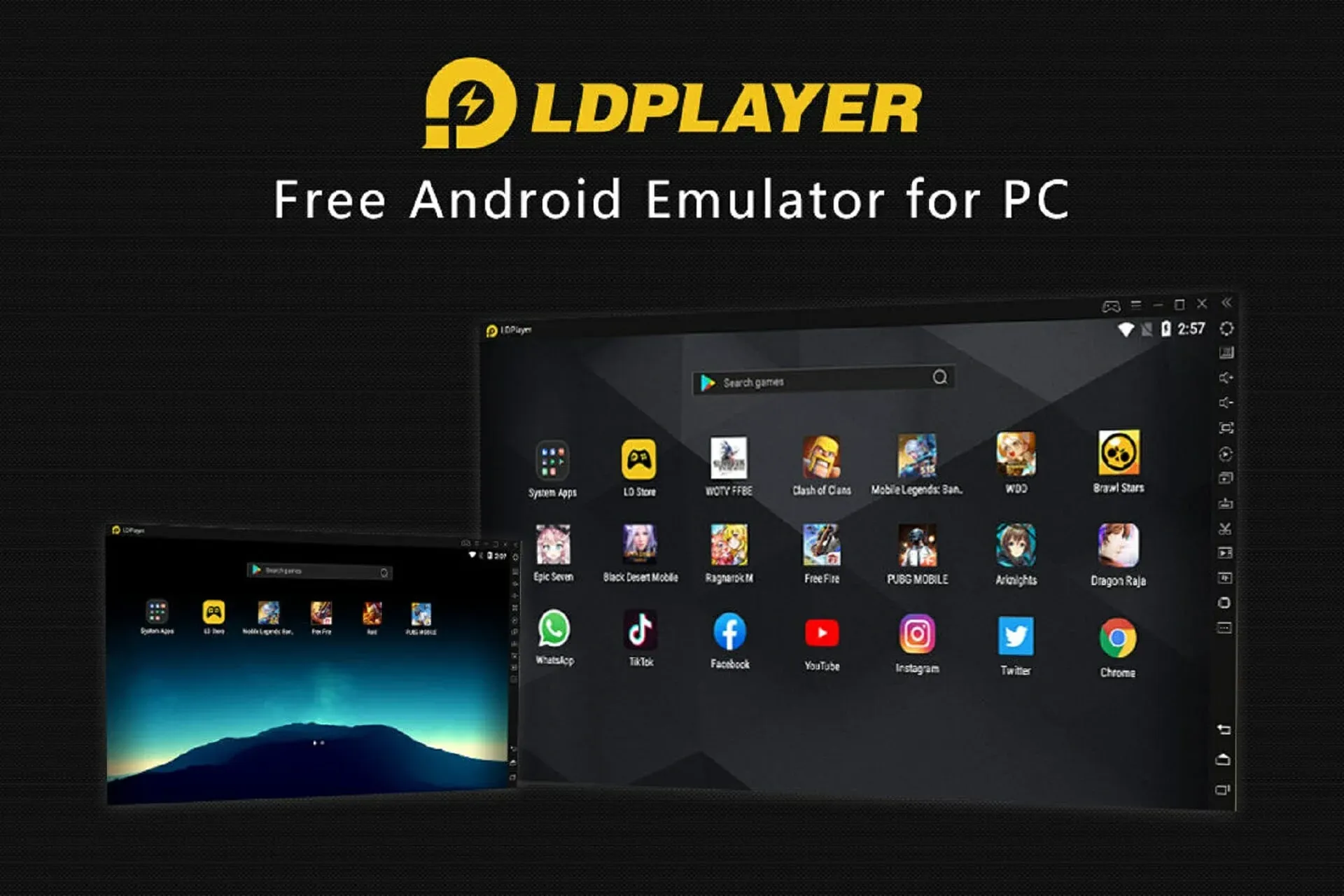
- Specialization: Engineered for gaming, prioritizing high FPS and GPU rendering efficiency.
- Feature Set: Vulkan API support, precision keyboard mapping, and minimal input lag.
- Performance Constraints: Limited viability for general application testing outside the gaming ecosystem.
- Applied Use Case: Competitive mobile esports players leverage LDPlayer for optimized keyboard-and-mouse control schemes in titles such as PUBG Mobile and Call of Duty: Mobile.
4. MEmu Play
- Core Capabilities: Compatibility with Android versions spanning from KitKat to the latest iterations.
- Development Applications: Ideal for testing adaptive UI elements across varied Android architectures.
- Potential Bottlenecks: Higher computational overhead due to extensive compatibility layers.
- Coding Deployment:
public class EmulatorTest {
    public static void main(String[] args) {
        System.out.println("Testing application on MEmu Play emulator.");
    }
}
5. GameLoop

- Optimized Gaming Performance: Originally tailored for Tencent’s mobile gaming suite, featuring frame synchronization and reduced input delay.
- Technical Merits: Hardware-assisted acceleration, mouse smoothing algorithms.
- Usage Limitation: Not intended for general-purpose Android application emulation.
- Application Example: GameLoop’s pre-configured key mapping enables professional FPS players to enhance reaction times and precision aiming in tactical shooters.
For a complete roundup of the best emulators and simulators, visit our master guide: here
Installation and Optimization Methodology
Step 1: Emulator Selection & Download
- Choose an emulator tailored to specific use cases (gaming, development, or general app execution).
- Acquire the installer from official repositories to ensure security and authenticity.
Step 2: Installation and Configuration
- Execute the installer and define system resource allocation (RAM, storage, GPU settings).
- Enable hardware acceleration via BIOS settings (Intel VT-x or AMD-V) for optimal performance.
Step 3: System Integration
- Launch the emulator and establish a Google account linkage for Play Store access.
- Sideload APK files via drag-and-drop or ADB interface for manual installations.
Step 4: Performance Optimization
- Dynamic RAM Allocation: Adjust RAM thresholds to balance emulator performance and system stability.
- Resolution and DPI Calibration: Modify settings to match native display specifications.
- Advanced Control Schemes: Customize keyboard mappings for enhanced user interaction, particularly in gaming scenarios.
Theoretical Framework
APK emulators function as middleware between the host operating system (Windows) and the Android software architecture, executing a virtualization process that mimics the Android runtime environment.
By leveraging kernel-based virtual machines (KVM) and hardware acceleration through Intel VT-x or AMD-V, these emulators optimize resource allocation and system integration.
Advantages of APK Emulation
- Optimized Display Real Estate: Running Android applications on Windows facilitates an enhanced visual experience with superior screen resolution and pixel density manipulation.
- Workflow Synergy: Users seamlessly transition between mobile and desktop workflows without necessitating device switching.
- Development and Debugging Efficiency: Developers can conduct rigorous testing across diverse Android versions and device specifications in a controlled setting.
- Enhanced Gaming Performance: Many emulators incorporate GPU rendering enhancements, customizable key-mapping, and frame rate optimizations for a superior gaming experience.
Advanced Emulator Utilization
Leveraging ADB for Enhanced Control
- Remote Debugging: ADB enables developers to access log files and debug applications in real time.
- Automated App Deployment:
adb install -r updated_version.apk
System-Level Customization
- Kernel Tuning: Modify kernel parameters within emulators supporting advanced user access.
- Performance Profiling: Utilize profiling tools to assess CPU and memory consumption during execution cycles.
Troubleshooting Common Issues
- Suboptimal Performance: Implement virtualization acceleration (VT-x, Hyper-V) and close redundant background processes.
- Application Crashes: Verify compatibility layers and allocate additional system resources if necessary.
- Network-Dependent Failures: Utilize proxy settings or VPN configurations to mitigate regional restrictions on app access.
Conclusion
APK emulation on Windows 10 represents a pivotal intersection between mobile and desktop computing. As the field advances, future iterations of APK emulators are expected to integrate machine learning optimizations, real-time adaptive resource allocation, and tighter system integrations with native Windows APIs.
References
🚀 Try Codersera Free for 7 Days
Connect with top remote developers instantly. No commitment, no risk.
Tags
Trending Blogs
Discover our most popular articles and guides
10 Best Emulators Without VT and Graphics Card: A Complete Guide for Low-End PCs
Running Android emulators on low-end PCs—especially those without Virtualization Technology (VT) or a dedicated graphics card—can be a challenge. Many popular emulators rely on hardware acceleration and virtualization to deliver smooth performance.

Android Emulator Online Browser Free
The demand for Android emulation has soared as users and developers seek flexible ways to run Android apps and games without a physical device. Online Android emulators, accessible directly through a web browser.
Free iPhone Emulators Online: A Comprehensive Guide
Discover the best free iPhone emulators that work online without downloads. Test iOS apps and games directly in your browser.
10 Best Android Emulators for PC Without Virtualization Technology (VT)
Top Android emulators optimized for gaming performance. Run mobile games smoothly on PC with these powerful emulators.

Gemma 3 vs Qwen 3: In-Depth Comparison of Two Leading Open-Source LLMs
The rapid evolution of large language models (LLMs) has brought forth a new generation of open-source AI models that are more powerful, efficient, and versatile than ever.
ApkOnline: The Android Online Emulator
ApkOnline is a cloud-based Android emulator that allows users to run Android apps and APK files directly from their web browsers, eliminating the need for physical devices or complex software installations.

Best Free Online Android Emulators
Choosing the right Android emulator can transform your experience—whether you're a gamer, developer, or just want to run your favorite mobile apps on a bigger screen.
Gemma 3 vs Qwen 3: In-Depth Comparison of Two Leading Open-Source LLMs
The rapid evolution of large language models (LLMs) has brought forth a new generation of open-source AI models that are more powerful, efficient, and versatile than ever.